

On this page
Welcome
01
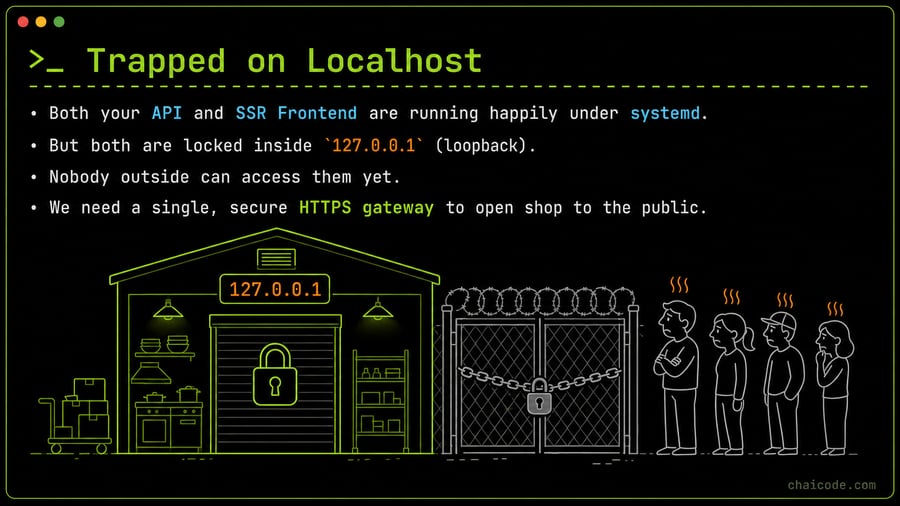
Trapped on Localhost
02
Notes
• Both your API and SSR Frontend are running happily under systemd.
• But both are locked inside `127.0.0.1` (loopback).
• Nobody outside can access them yet.
• We need a single, secure HTTPS gateway to open shop to the public.
Why Not Expose Direct Ports?
03
Notes
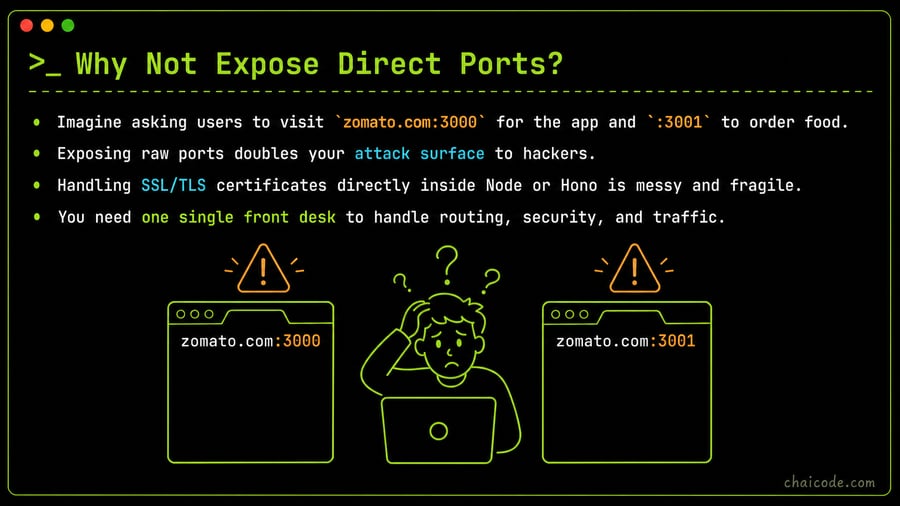
• Imagine asking users to visit `zomato.com:3000` for the app and `:3001` to order food.
• Exposing raw ports doubles your attack surface to hackers.
• Handling SSL/TLS certificates directly inside Node or Hono is messy and fragile.
• You need one single front desk to handle routing, security, and traffic.
Enter the Reverse Proxy
04
Notes
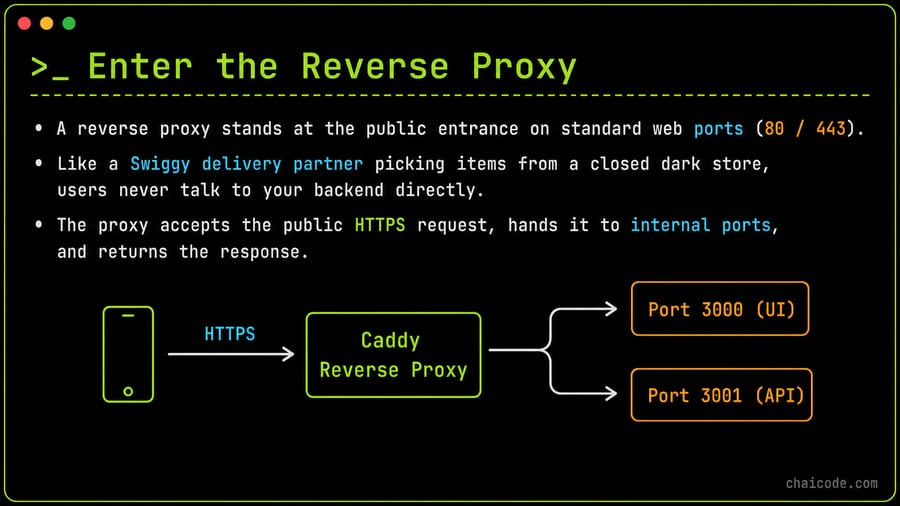
• A reverse proxy stands at the public entrance on standard web ports (80 / 443).
• Like a Swiggy delivery partner picking items from a closed dark store, users never talk to your backend directly.
• The proxy accepts the public HTTPS request, hands it to internal ports, and returns the response.
The Magic of Caddyfile
05
Notes
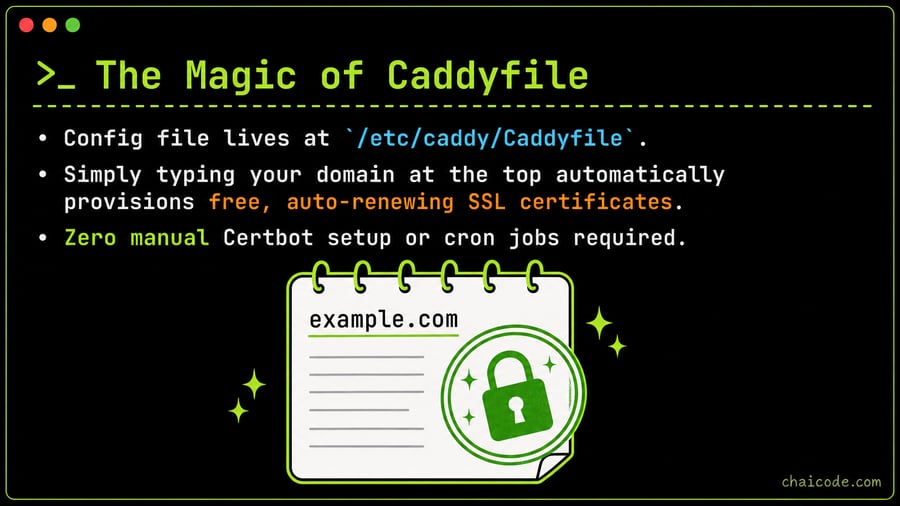
• Config file lives at `/etc/caddy/Caddyfile`.
• Simply typing your domain at the top automatically provisions free, auto-renewing SSL certificates.
• Zero manual Certbot setup or cron jobs required.
Routing Traffic: API vs UI
06
Notes
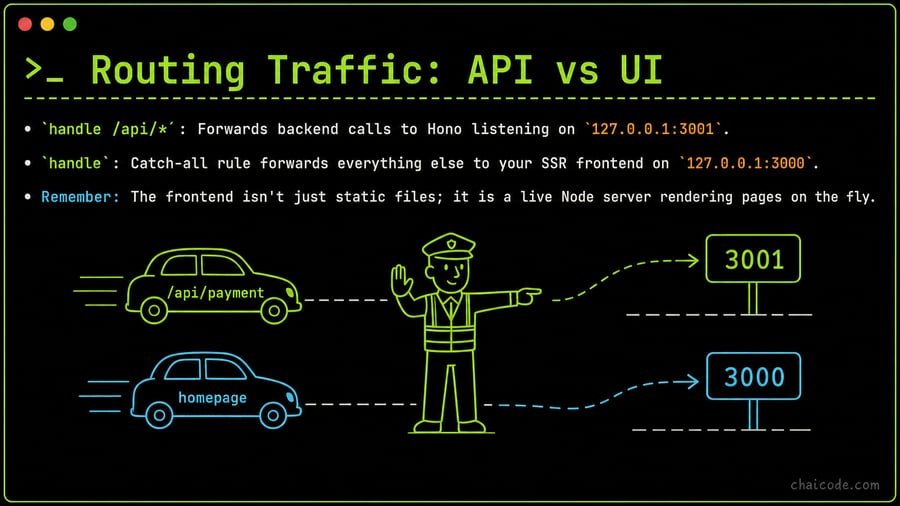
• `handle /api/*`: Forwards backend calls to Hono listening on `127.0.0.1:3001`.
• `handle`: Catch-all rule forwards everything else to your SSR frontend on `127.0.0.1:3000`.
• Remember: The frontend isn't just static files; it is a live Node server rendering pages on the fly.
Watch Out: Order Matters!
07
Notes
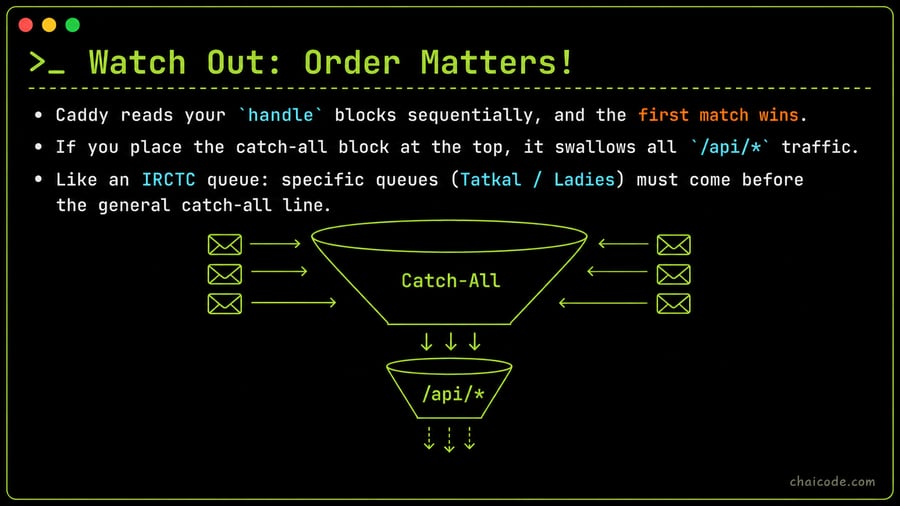
• Caddy reads your `handle` blocks sequentially, and the first match wins.
• If you place the catch-all block at the top, it swallows all `/api/*` traffic.
• Like an IRCTC queue: specific queues (Tatkal / Ladies) must come before the general catch-all line.
Test First, Reload Gracefully
08
Notes
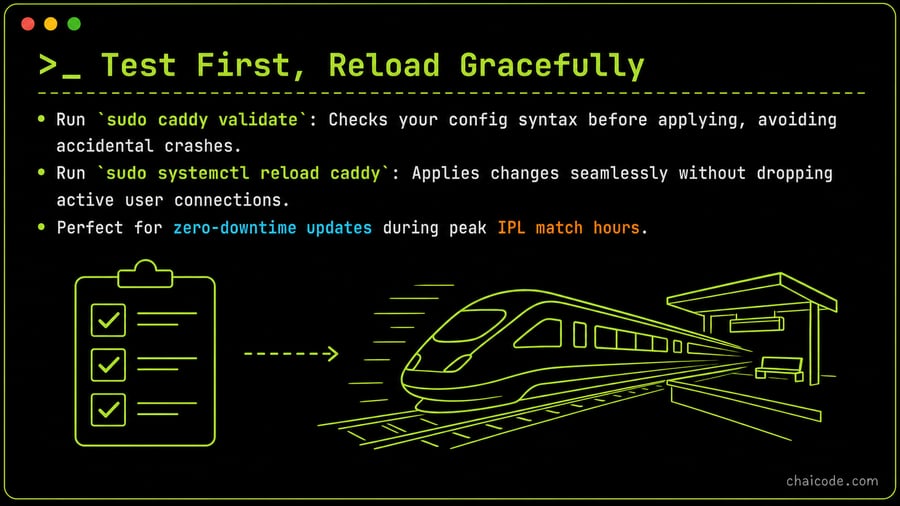
• Run `sudo caddy validate`: Checks your config syntax before applying, avoiding accidental crashes.
• Run `sudo systemctl reload caddy`: Applies changes seamlessly without dropping active user connections.
• Perfect for zero-downtime updates during peak IPL match hours.
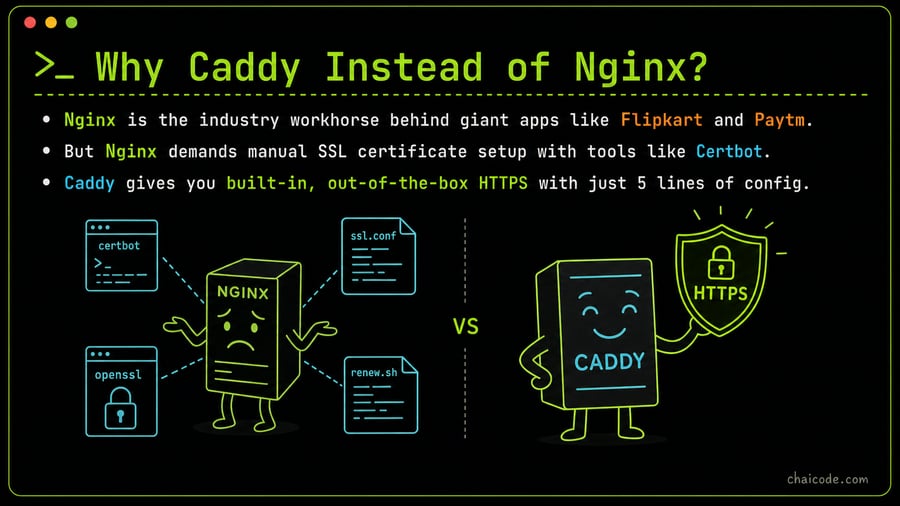
Why Caddy Instead of Nginx?
09
Notes
• Nginx is the industry workhorse behind giant apps like Flipkart and Paytm.
• But Nginx demands manual SSL certificate setup with tools like Certbot.
• Caddy gives you built-in, out-of-the-box HTTPS with just 5 lines of config.