On this page
Welcome
01
What is a Linux Package?
02
Notes
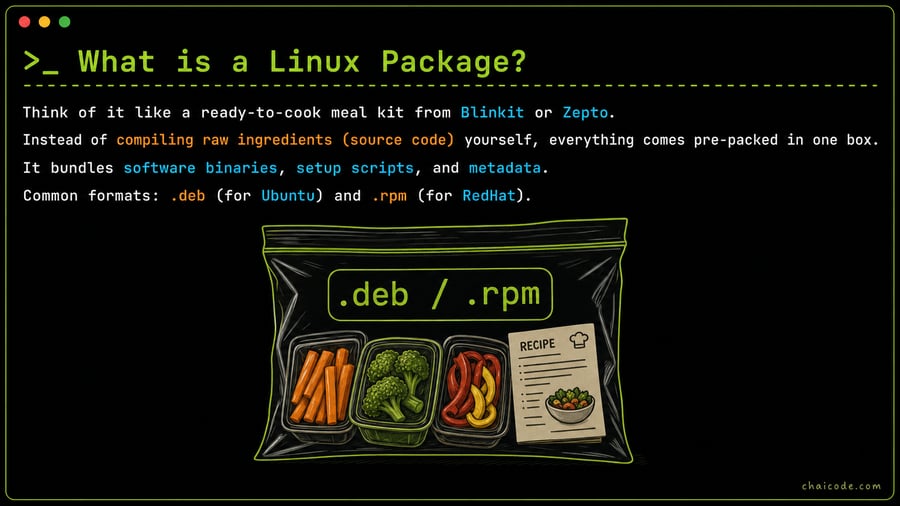
Think of it like a ready-to-cook meal kit from Blinkit or Zepto.
Instead of compiling raw ingredients (source code) yourself, everything comes pre-packed in one box.
It bundles software binaries, setup scripts, and metadata.
Common formats: .deb (for Ubuntu) and .rpm (for RedHat).
Your Linux App Store
03
Notes
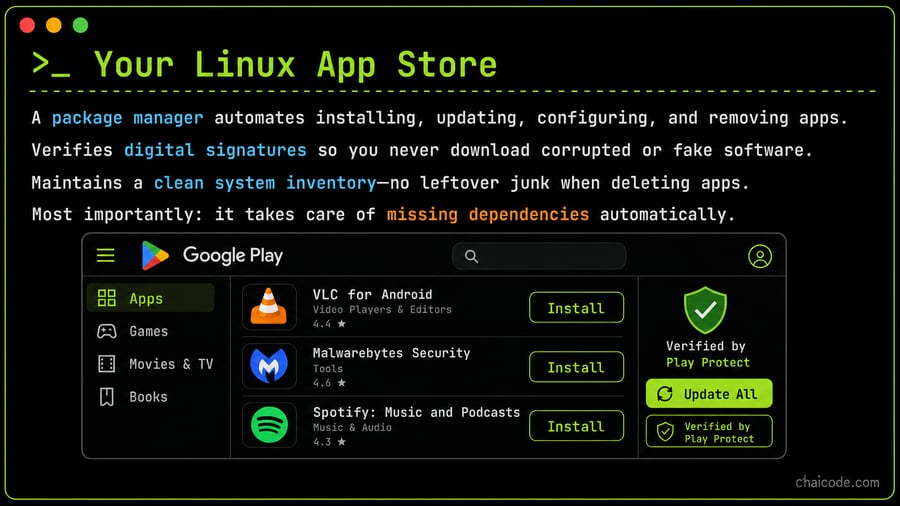
A package manager automates installing, updating, configuring, and removing apps.
Verifies digital signatures so you never download corrupted or fake software.
Maintains a clean system inventory—no leftover junk when deleting apps.
Most importantly: it takes care of missing dependencies automatically.
Debian vs RedHat Ecosystems
04
Notes
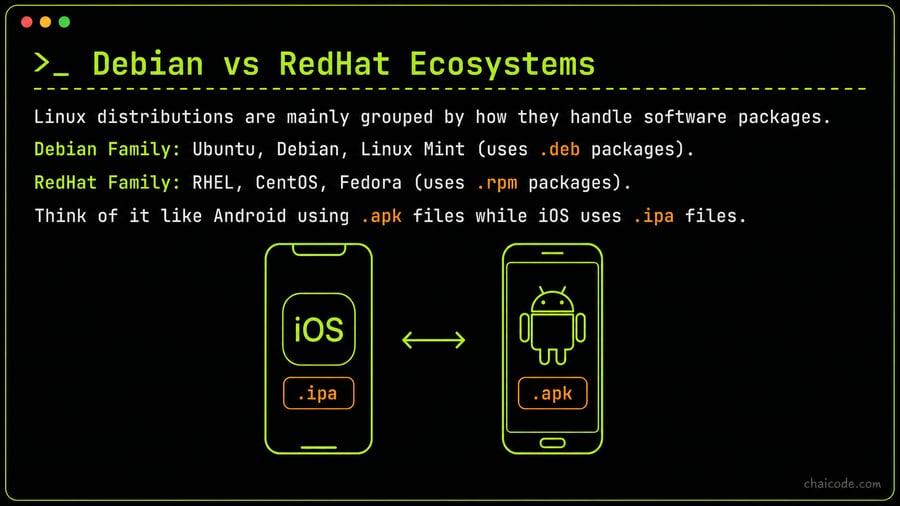
Linux distributions are mainly grouped by how they handle software packages.
Debian Family: Ubuntu, Debian, Linux Mint (uses .deb packages).
RedHat Family: RHEL, CentOS, Fedora (uses .rpm packages).
Think of it like Android using .apk files while iOS uses .ipa files.
Low-Level vs High-Level Managers
05
Notes
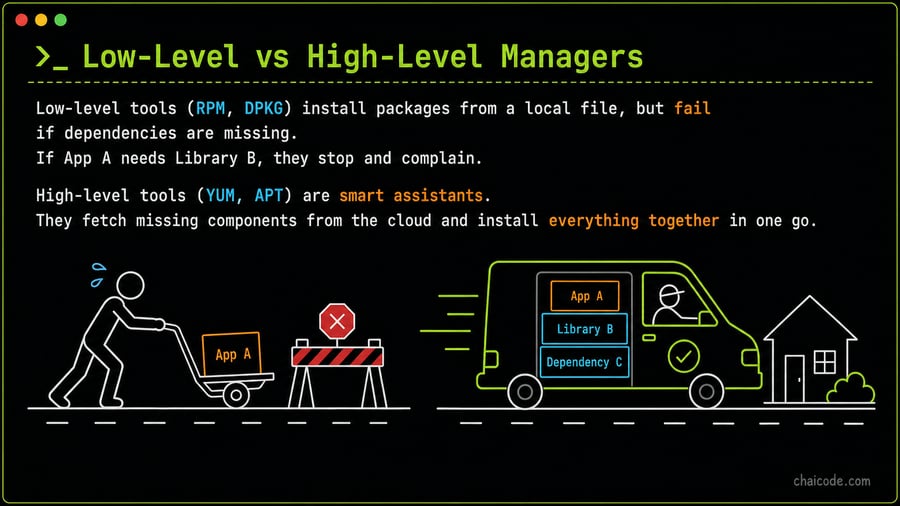
Low-level tools (RPM, DPKG) install packages from a local file, but fail if dependencies are missing.
If App A needs Library B, they stop and complain.
High-level tools (YUM, APT) are smart assistants.
They fetch missing components from the cloud and install everything together in one go.
APT: Ubuntu's Smart Manager
06
Notes
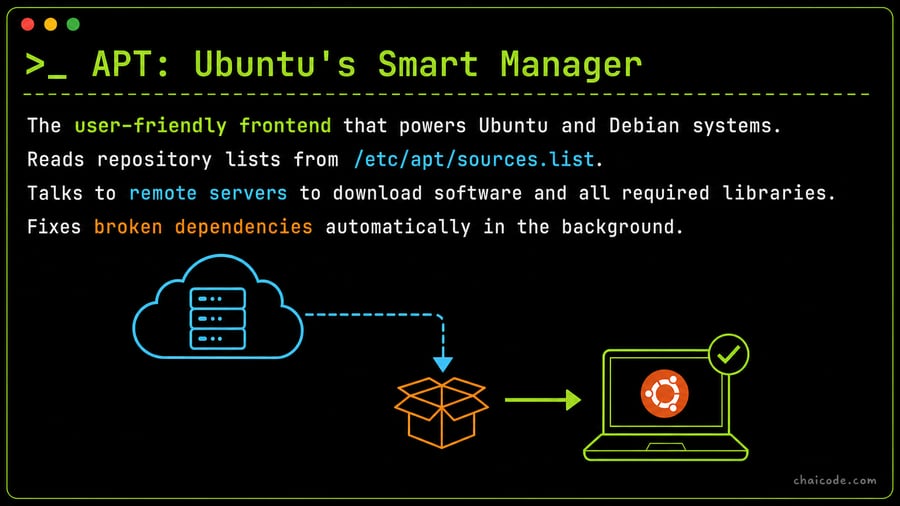
The user-friendly frontend that powers Ubuntu and Debian systems.
Reads repository lists from /etc/apt/sources.list.
Talks to remote servers to download software and all required libraries.
Fixes broken dependencies automatically in the background.
Essential APT Commands
07
Notes
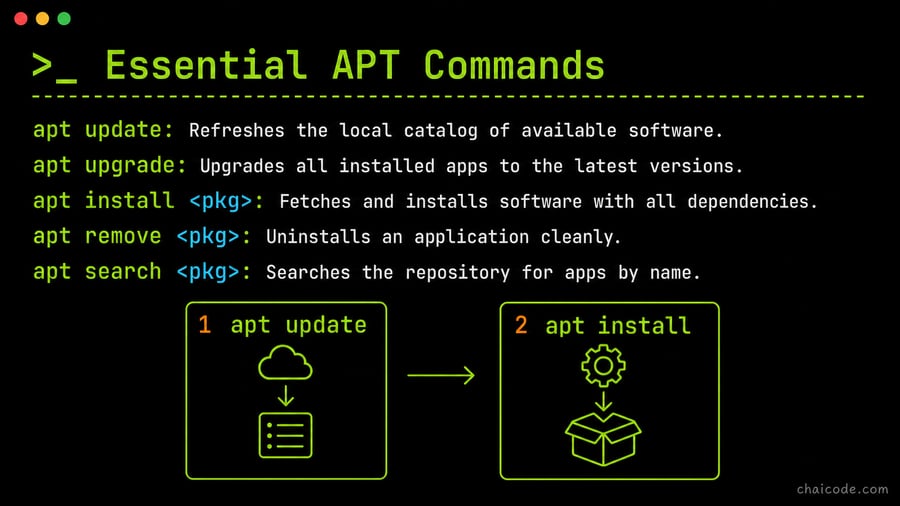
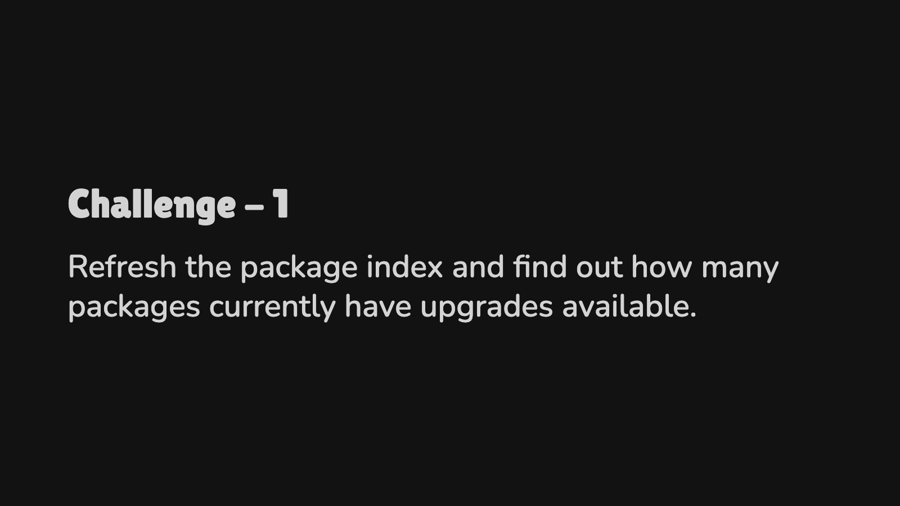
apt update: Refreshes the local catalog of available software.
apt upgrade: Upgrades all installed apps to the latest versions.
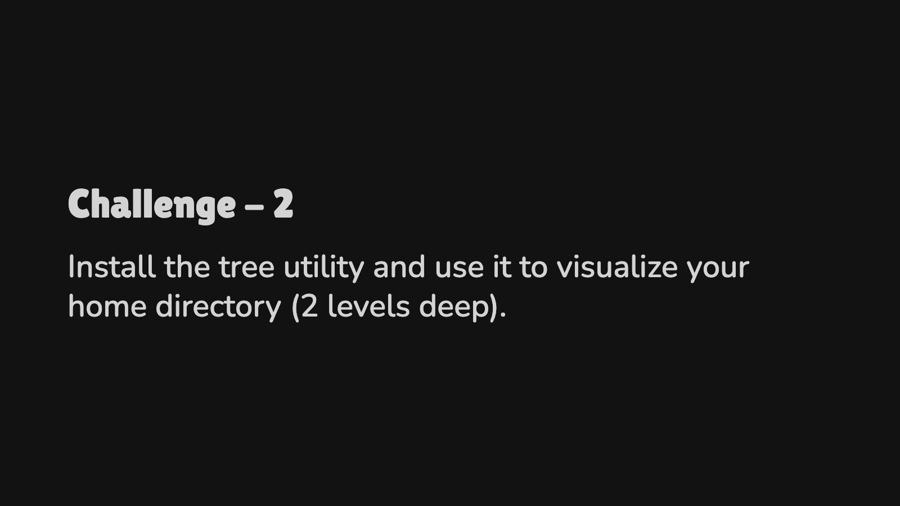
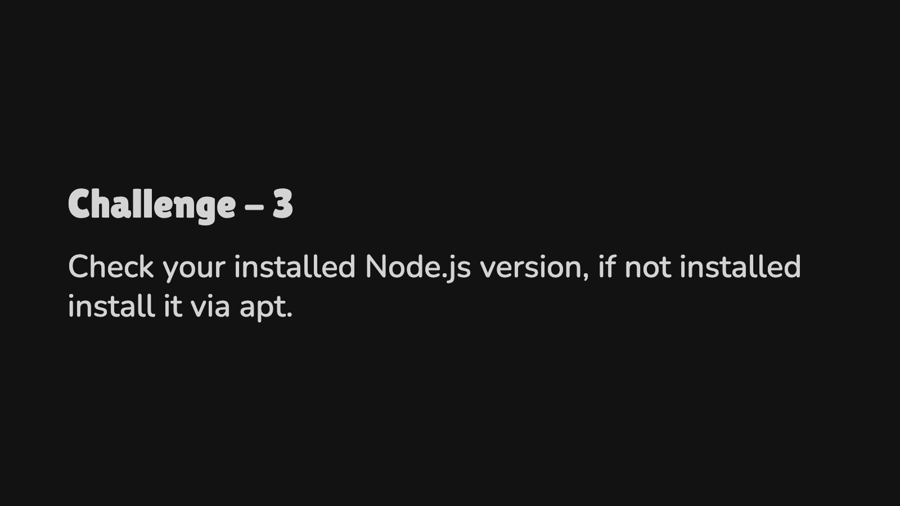
apt install <pkg>: Fetches and installs software with all dependencies.
apt remove <pkg>: Uninstalls an application cleanly.
apt search <pkg>: Searches the repository for apps by name.
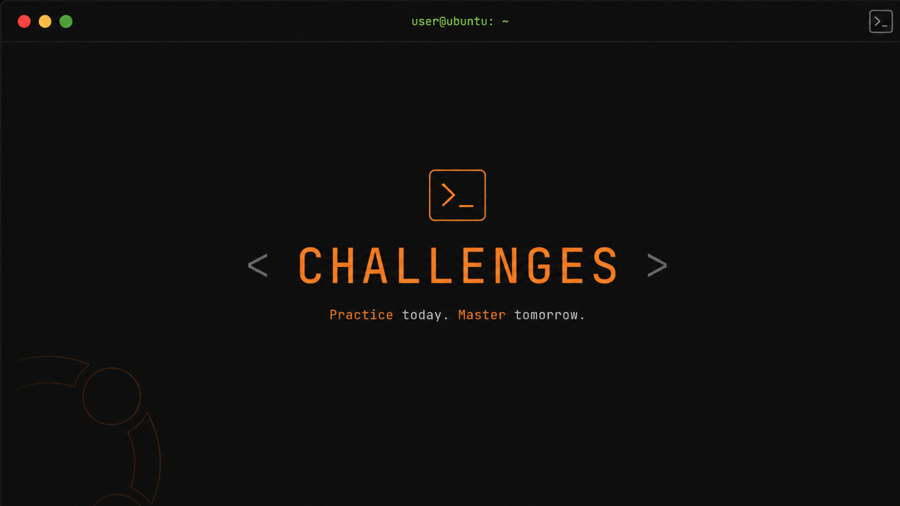
Challenges
08
Challenge - 1
09
Challenge - 2
10
Challenge - 3
11
Challenge - 4
12
Bonus
13