

On this page
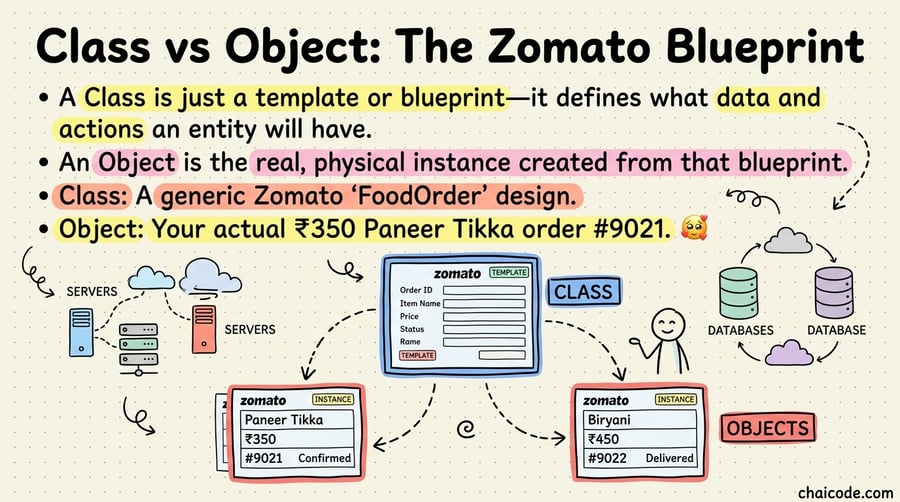
Class vs Object: The Zomato Blueprint
01
Notes
A Class is just a template or blueprint—it defines what data and actions an entity will have.
An Object is the real, physical instance created from that blueprint.
Class: A generic Zomato 'FoodOrder' design.
Object: Your actual ₹350 Paneer Tikka order #9021.
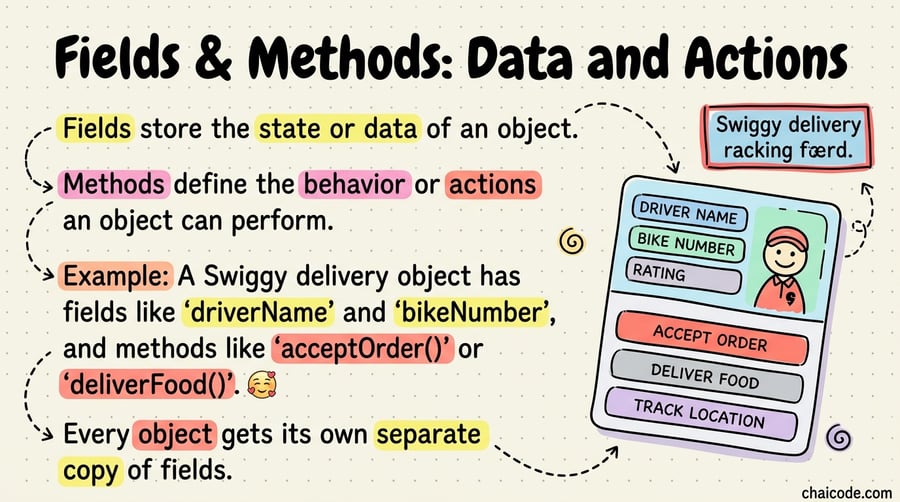
Fields & Methods: Data and Actions
02
Notes
Fields store the state or data of an object.
Methods define the behavior or actions an object can perform.
Example: A Swiggy delivery object has fields like 'driverName' and 'bikeNumber', and methods like 'acceptOrder()' or 'deliverFood()'.
Every object gets its own separate copy of fields.
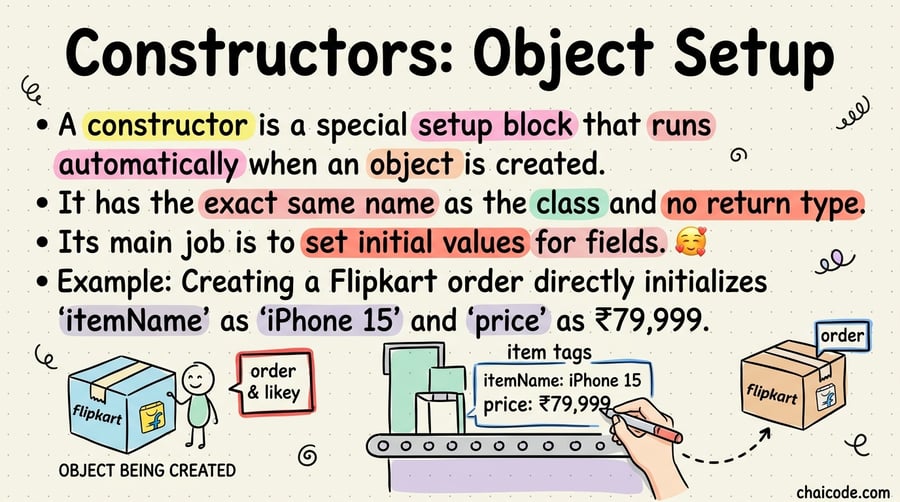
Constructors: Object Setup
03
Notes
A constructor is a special setup block that runs automatically when an object is created.
It has the exact same name as the class and no return type.
Its main job is to set initial values for fields.
Example: Creating a Flipkart order directly initializes 'itemName' as 'iPhone 15' and 'price' as ₹79,999.
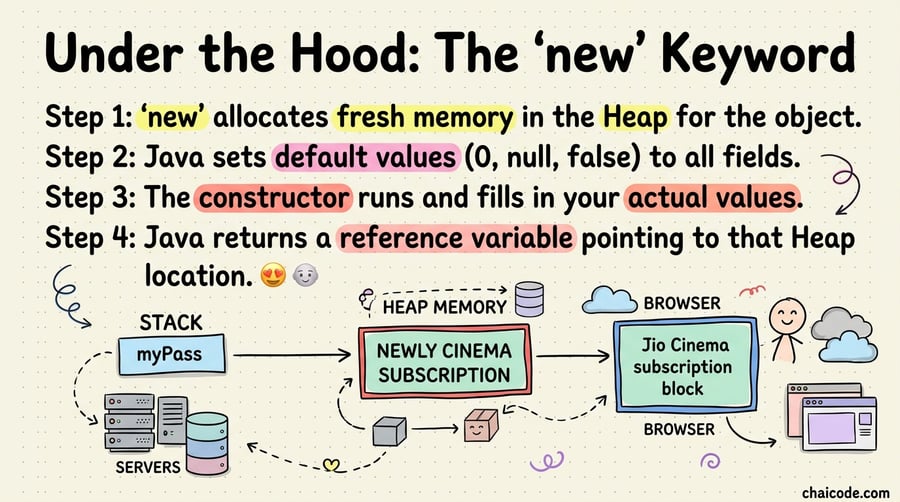
Under the Hood: The 'new' Keyword
04
Notes
Step 1: 'new' allocates fresh memory in the Heap for the object.
Step 2: Java sets default values (0, null, false) to all fields.
Step 3: The constructor runs and fills in your actual values.
Step 4: Java returns a reference variable pointing to that Heap location.
The 'this' Keyword: Self Reference
05
Notes
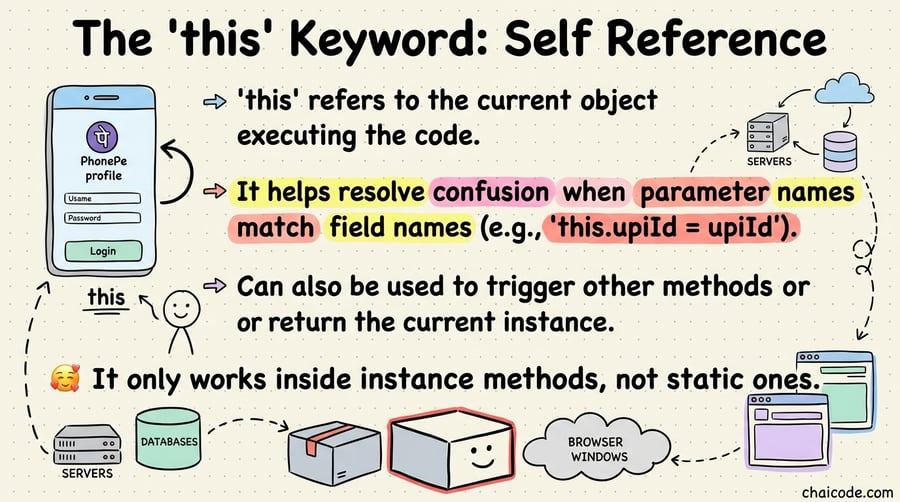
'this' refers to the current object executing the code.
It helps resolve confusion when parameter names match field names (e.g., 'this.upiId = upiId').
Can also be used to trigger other methods or return the current instance.
It only works inside instance methods, not static ones.
Access Modifiers: Access Control
06
Notes
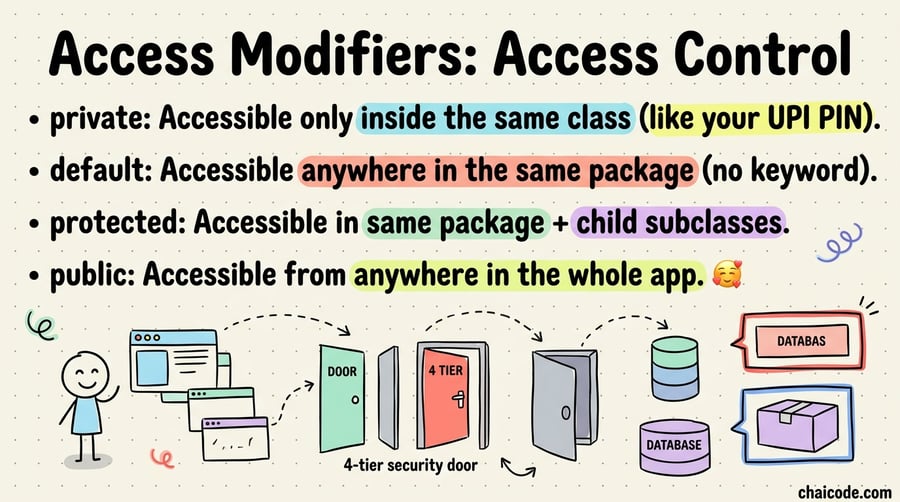
private: Accessible only inside the same class (like your UPI PIN).
default: Accessible anywhere in the same package (no keyword).
protected: Accessible in same package + child subclasses.
public: Accessible from anywhere in the whole app.
Encapsulation: Data Protection
07
Notes
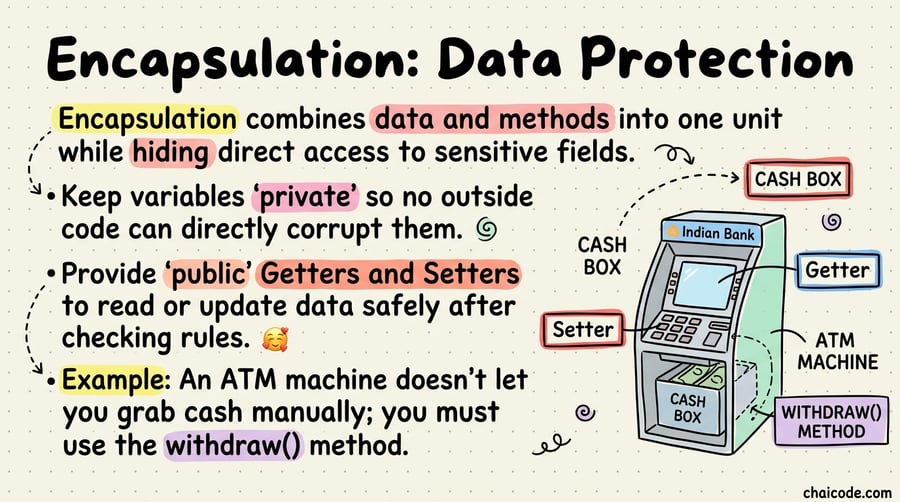
Encapsulation combines data and methods into one unit while hiding direct access to sensitive fields.
Keep variables 'private' so no outside code can directly corrupt them.
Provide 'public' Getters and Setters to read or update data safely after checking rules.
Example: An ATM machine doesn't let you grab cash manually; you must use the withdraw() method.